
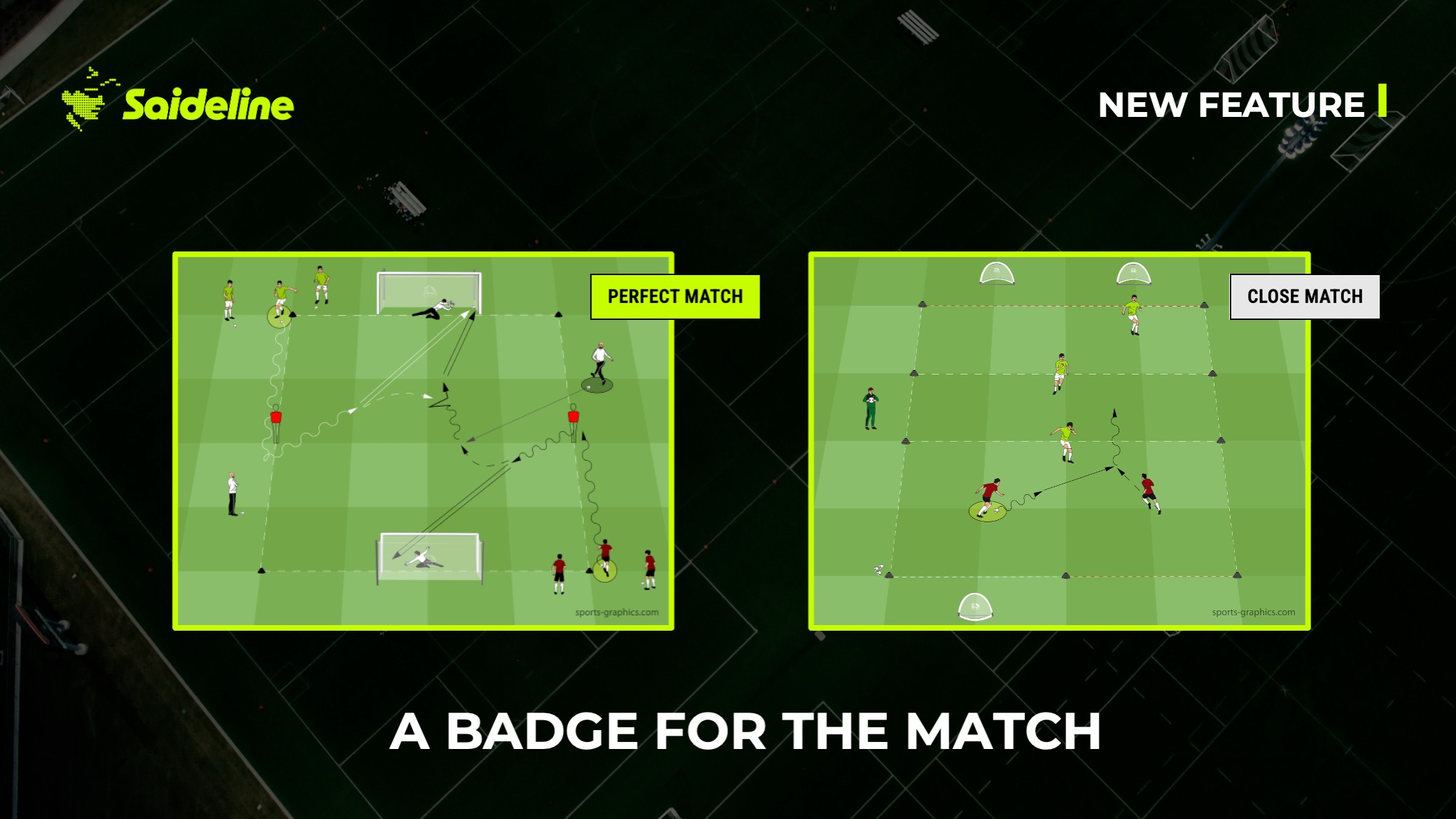
A session could always be close to what you asked for — the question was always whether you could tell how close without digging into every game form yourself. That guesswork is gone.
What's New: Perfect Match, Close Match, or Modified — At a Glance
Every game form in a generated session now carries a clear badge that tells you exactly how it was matched:
Perfect Match means the game form hits every parameter you searched for — phase of play, principle, player count, space — exactly as specified.
Close Match means the core of what you asked for is there, but one or two smaller parameters shifted to give you the best available fit.
Modified means we adjusted an existing game form — space, numbers, or a rule — specifically to fit your search, rather than pulling one that already matched natively.
No more opening a game form to figure out which of these it actually is. It's right there on the card.
Why This Matters More Than It Sounds
This pairs directly with the search upgrade we just shipped. Better matching only builds trust if you can actually see how good the match is — otherwise you're back to double-checking every result out of habit. The badges make that transparent in one glance: accept a Perfect Match without a second thought, take a quick look at a Close Match before you run it, and know exactly what changed on a Modified one if you want to adjust it back.
"A badge is a small thing on a card," says Jens Luke, co-founder of Saideline. "But it's the difference between trusting a session and re-checking it — and that trust is the entire point of handing session planning to an AI in the first place."
It also makes it much easier to build a session out of pieces from different searches, because you always know which parts are exact and which are approximations before you commit to them.
Where You'll See It
The badge sits directly on every game form card, in every session — generated fresh or built by combining multiple searches. If you ran a search before this update shipped, try the same one again and you'll see exactly how each result was matched.